The idea can be wonderfully specific: a fox in rain boots watering a sunflower. Turning it into AI coloring pages for kids takes a little more direction. The picture needs clear outlines, spaces a child wants to fill, and enough room around the edges to survive printing.
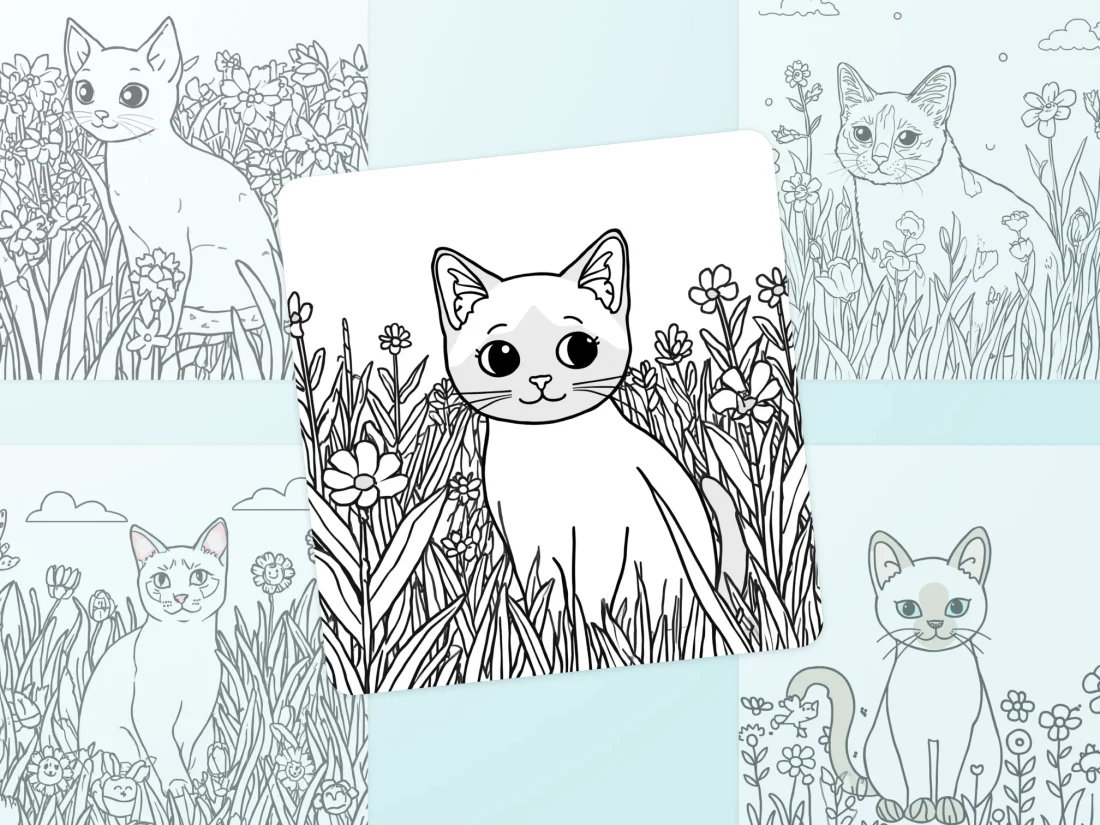
Start with one sheet. Let your child choose the subject while an adult operates the image tool and checks the result. You can adjust the detail to suit the child sitting beside you, without trying to build a whole activity book before anyone has picked up a crayon.
Let the child choose the idea, then simplify the picture
Write down the main character and what it is doing. A fox watering a flower is a complete scene. Adding a tree house, several friends, a pond and a patterned fence introduces many more lines to inspect and spaces to color.
Ask which part matters most. If the answer is “the boots,” give them generous space in the picture. If it is “a garden full of flowers,” make the fox smaller and leave room for a few large blooms. There is no need to decide how much detail a child ought to enjoy based on age alone; look at the pages they already choose.
Keep names and captions separate from the artwork at first. A handwritten name at the top can be enough, and you can add typed words in a document later. This also gives you a chance to check the spelling before printing.
Describe the blank spaces in AI coloring pages for kids
An attractive finished illustration may already contain shaded fur, grey skies or solid black areas. For a coloring sheet, describe the unfinished appearance you want: black outlines on a white background, open shapes, and no filled areas.
Google’s guidance for Nano Banana Pro recommends specifying the subject, composition and style, along with direct instructions for edits. That provides a useful way to organise a coloring-page request. SeedRouter includes Nano Banana Pro in its image catalogue; check the image and output controls of whichever service you use.
An adult could begin with a brief like this:
Draw a printable coloring sheet of one friendly fox wearing rain boots and watering one large sunflower. Use clear black outlines on a plain white background. Leave the fox, boots, watering can and flower empty inside for coloring. Make the shapes large, with only a few interior details. Keep the whole scene inside a generous blank border. No shading, grey wash, solid fills, words or decorative frame.
This is an example to adapt, not a tested recipe with a guaranteed result. If the tool offers a portrait output shape, select it for a portrait page and keep the prompt consistent with that setting.
Check the drawing as if you were about to color it
Follow the outlines with your eyes. Can you tell where a boot ends and a leg begins? Is the handle attached to the watering can? Has the sunflower gained a cluster of tiny petals that would be frustrating to fill?
Pay attention to small spaces around the face and hands. Google acknowledges limitations in fine details and complex image edits, so a cheerful overall impression is not enough to judge the drawing. Reject a confusing picture even if the rest of it looks polished.
For one isolated problem, ask for one change: “Remove the pattern from the boots and leave their interiors white.” Compare the revised image with the first one; check that fixing the boots has not altered the fox’s face or crowded the flower.
reAPI lists GPT Image 2 as another image model. If you try a different model, keep the same subject and drawing requirements so you can compare the actual sheets. A useful choice is the page your child can comfortably color, regardless of how impressive the model description sounds.
Print a single proof at the size you intend to use
Open the image in the app you normally print from and check its print preview. Confirm the paper size and orientation. Look for missing feet, clipped petals or a drawing stretched to fill the page.
Leave a white margin around the scene. If the artwork is cut off, adjust its size within the page layout rather than accepting a head or watering can with an edge missing. Once the preview looks right, print one copy.
The paper version answers questions a screen cannot settle. Are the outlines easy to see? Are the smaller spaces still usable? Does the picture take up enough of the sheet, or has it become a tiny drawing in the centre?
Try the coloring materials your child plans to use. A page that looks inviting with fine pencils may feel crowded with a thick crayon. That is a reason to simplify the drawing, rather than asking the child to work around a page that does not suit them.
Let the first page decide what comes next
After the proof, ask for a specific preference: larger flowers, fewer background details, a different animal, or another pair of boots. Keep the change small enough that you can see whether it helped.
You can also stop generating and change the paper itself. Draw another cloud by hand, add a name, or leave the background for the child to invent. The computer does not need to complete every part of the activity.
Save the accepted image and its prompt together if you want a related page later. Label each new sheet clearly so you do not print an earlier version by mistake.
AI coloring pages for kids are most useful here as a way to turn a chosen idea into a sheet someone wants to use. Once the fox has clear boots, a sensible watering can and room for color, print the page and put the crayons beside it.


